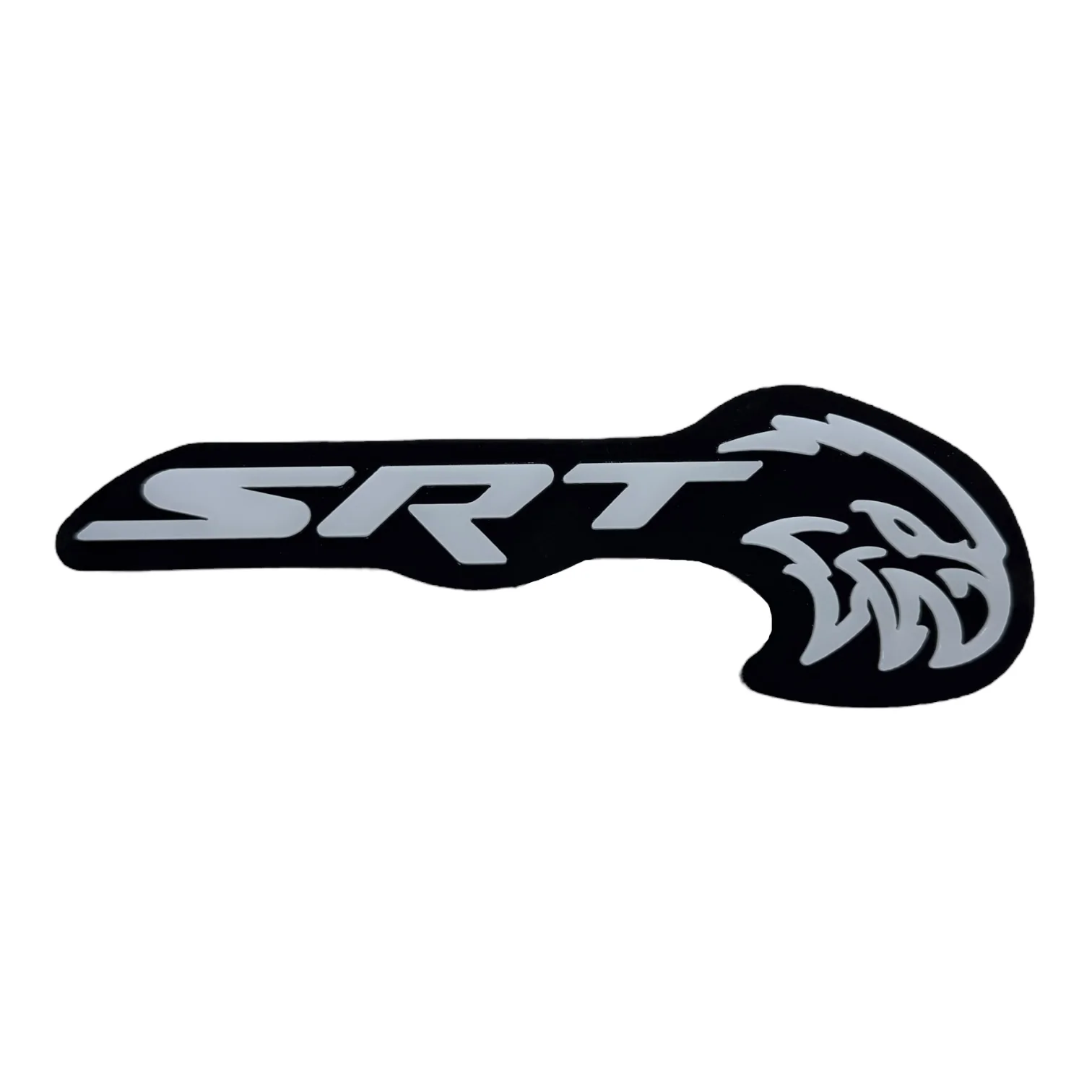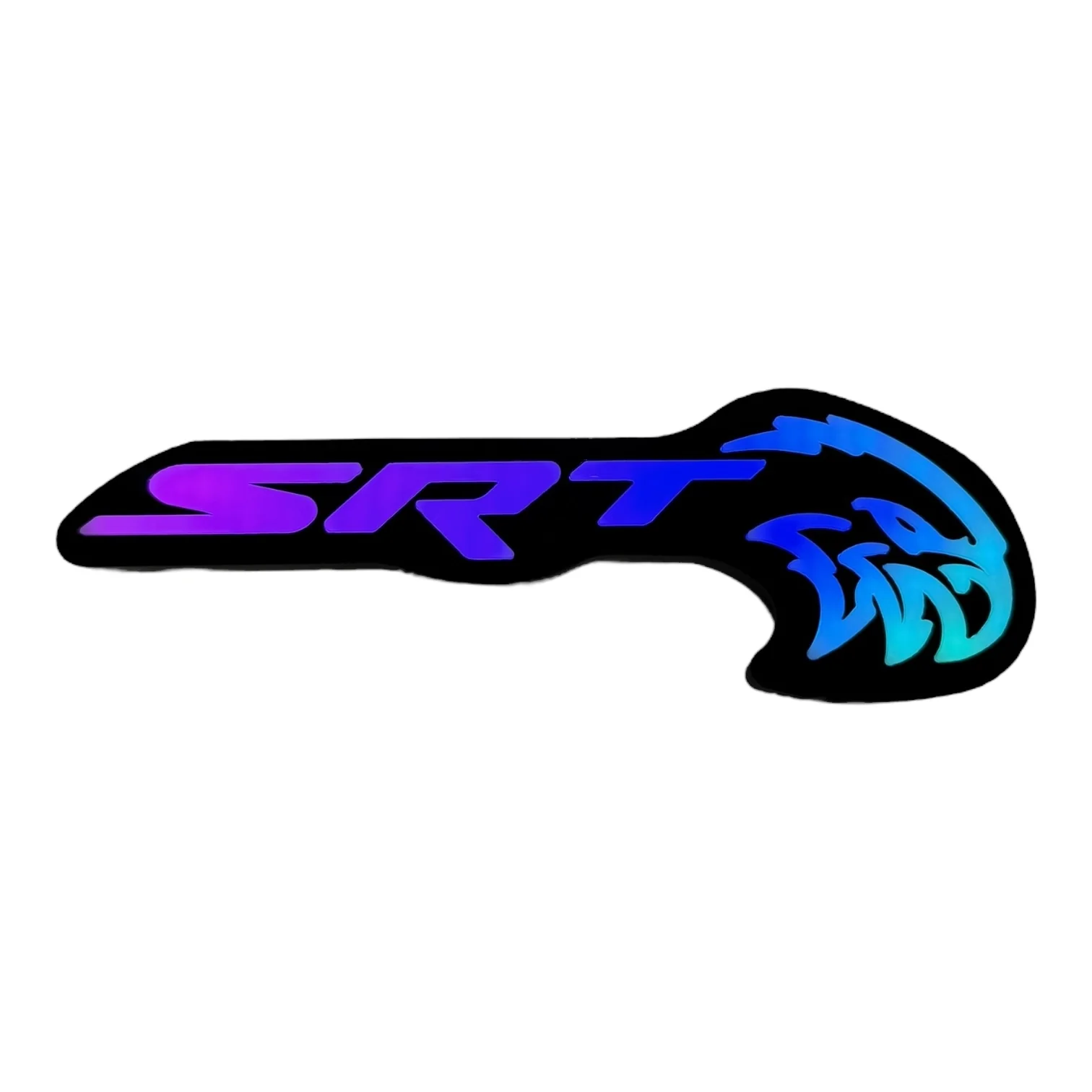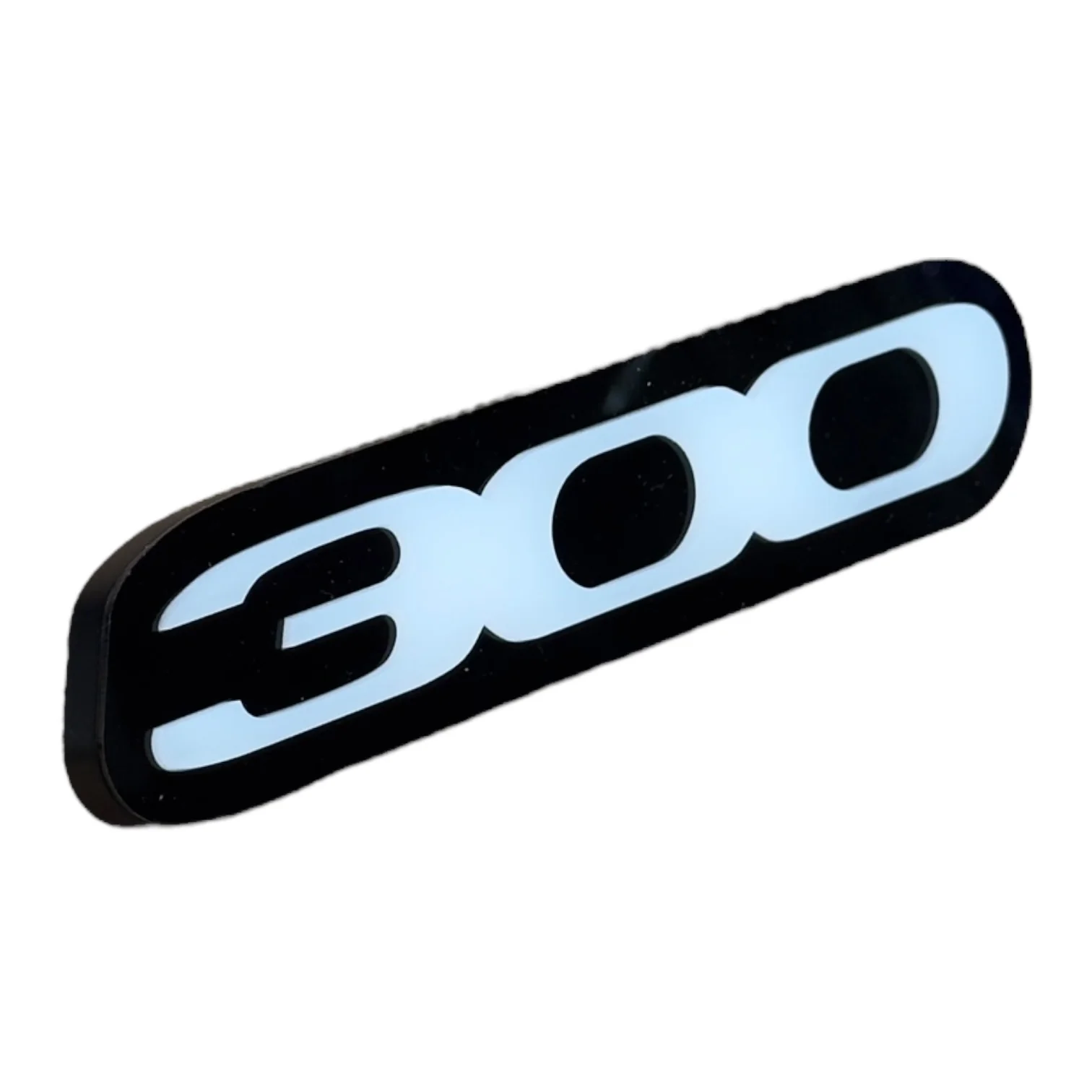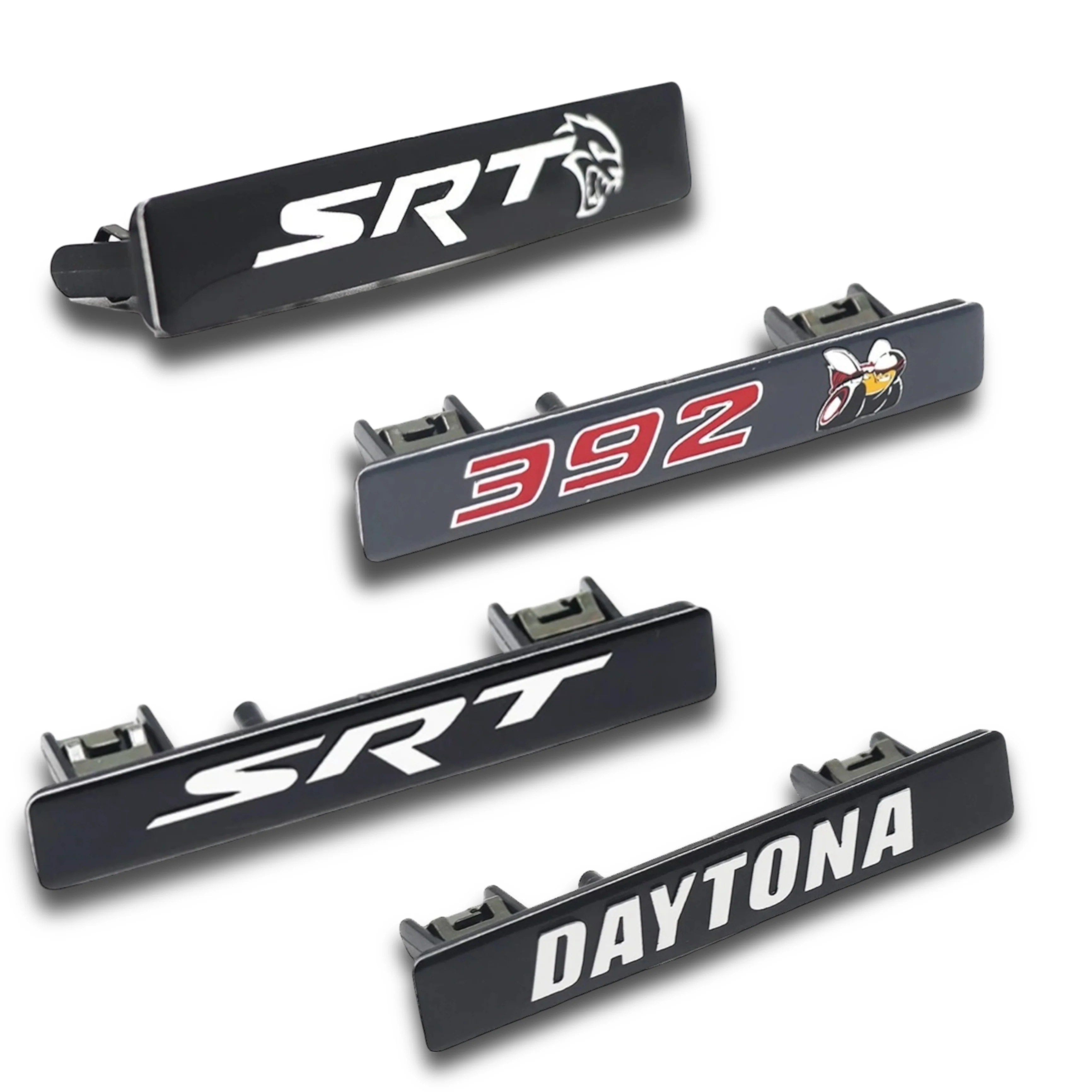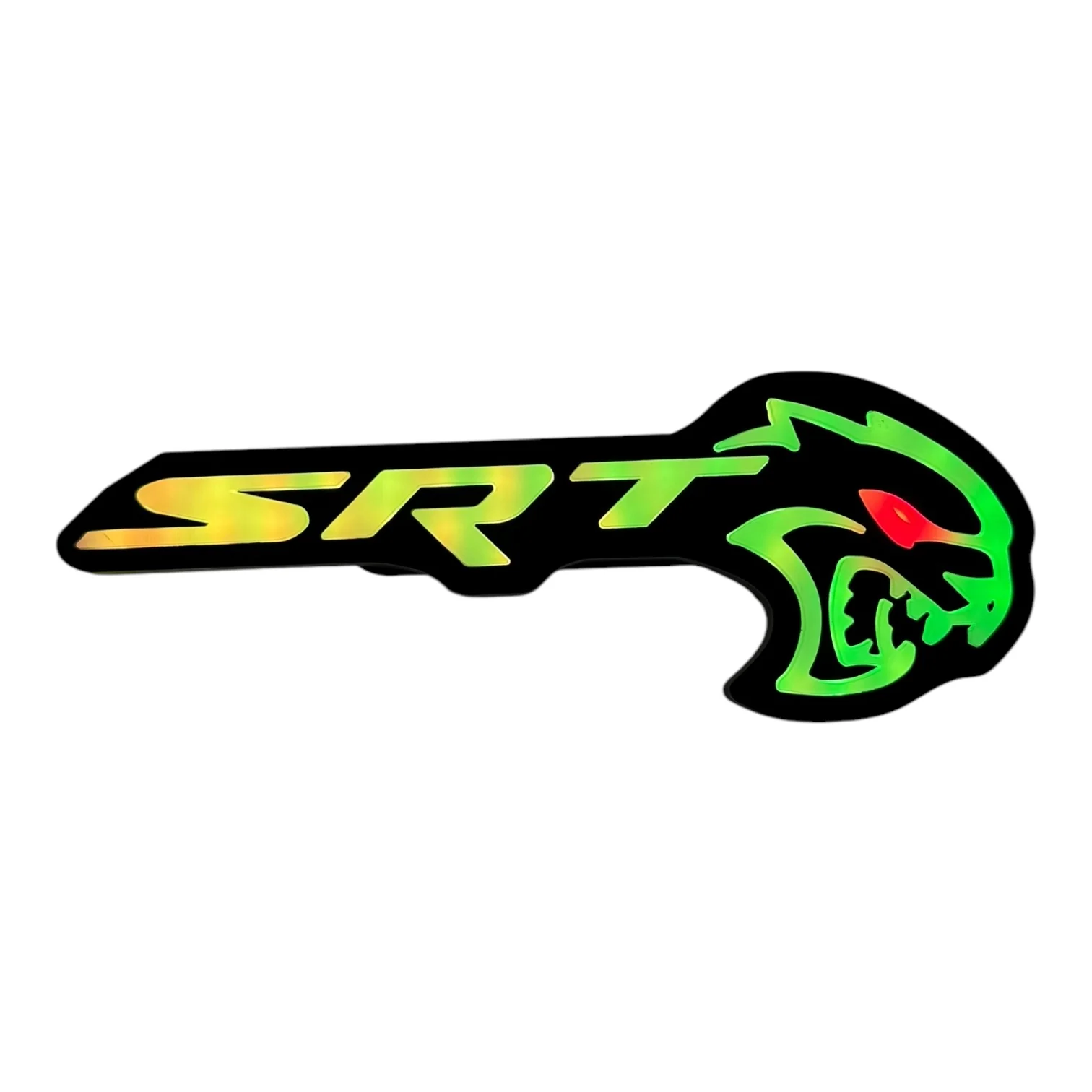
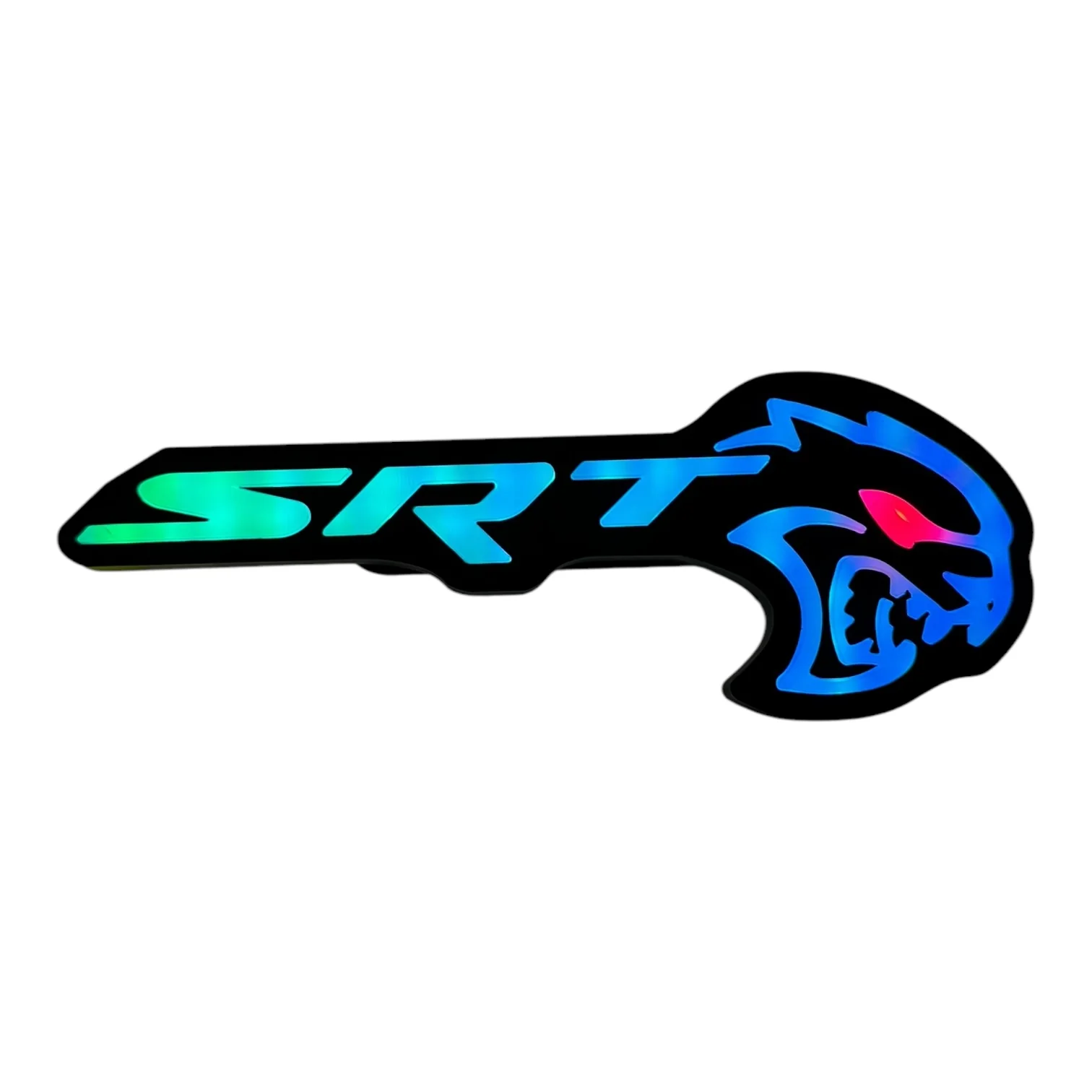



LED Hellcat Redeye Grille Emblem – RGB (Multi-Color + Chasing LEDs) for Charger, Challenger, Durango
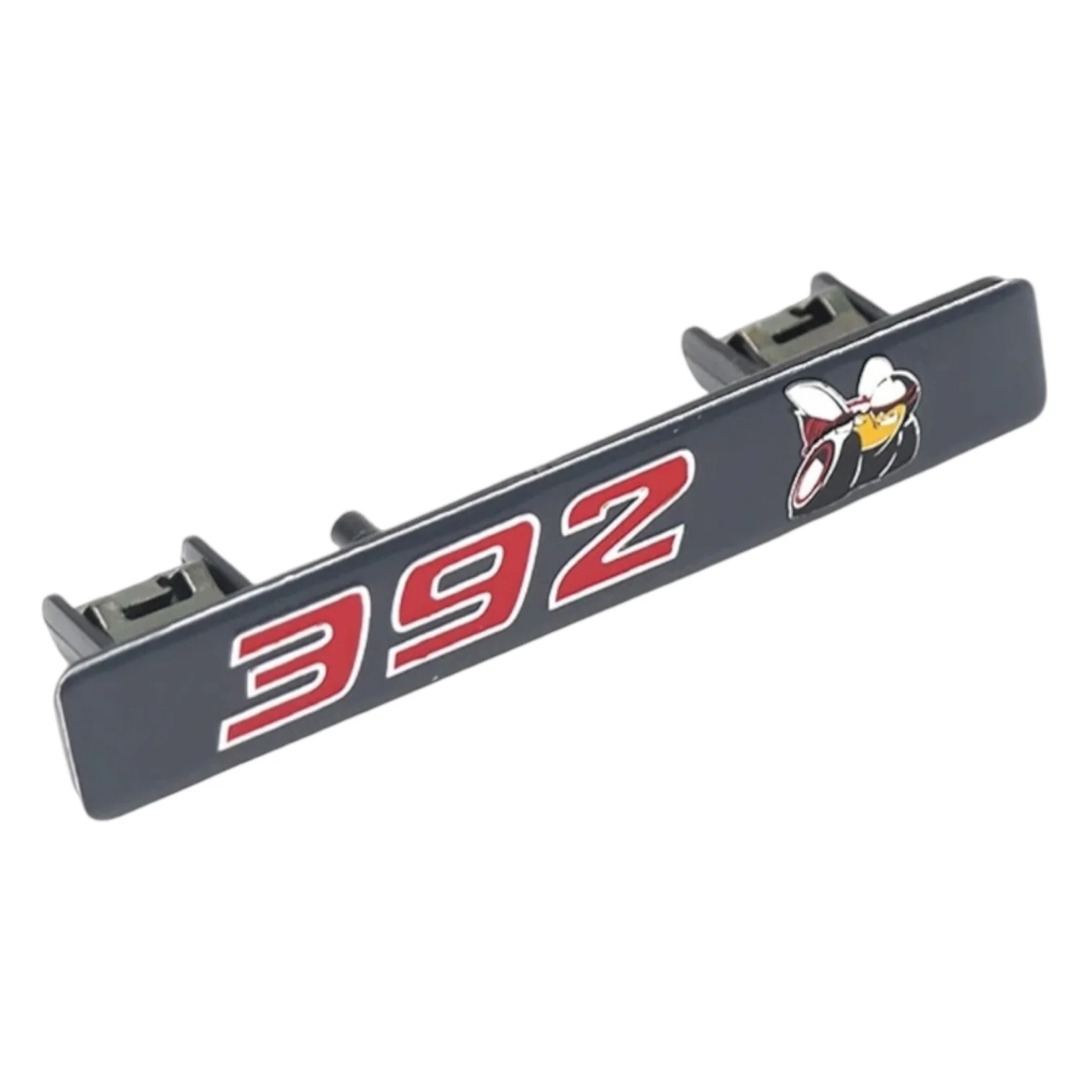
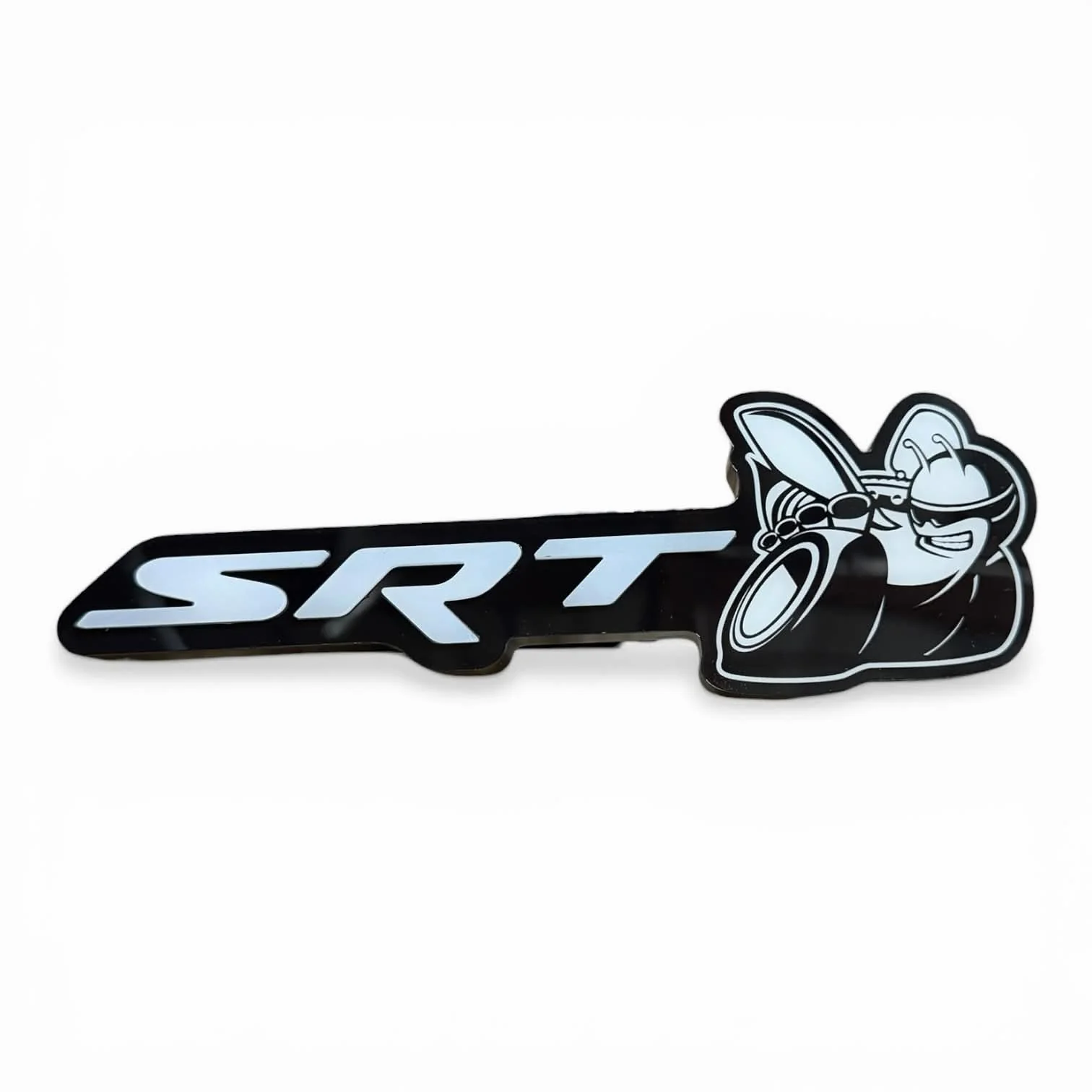
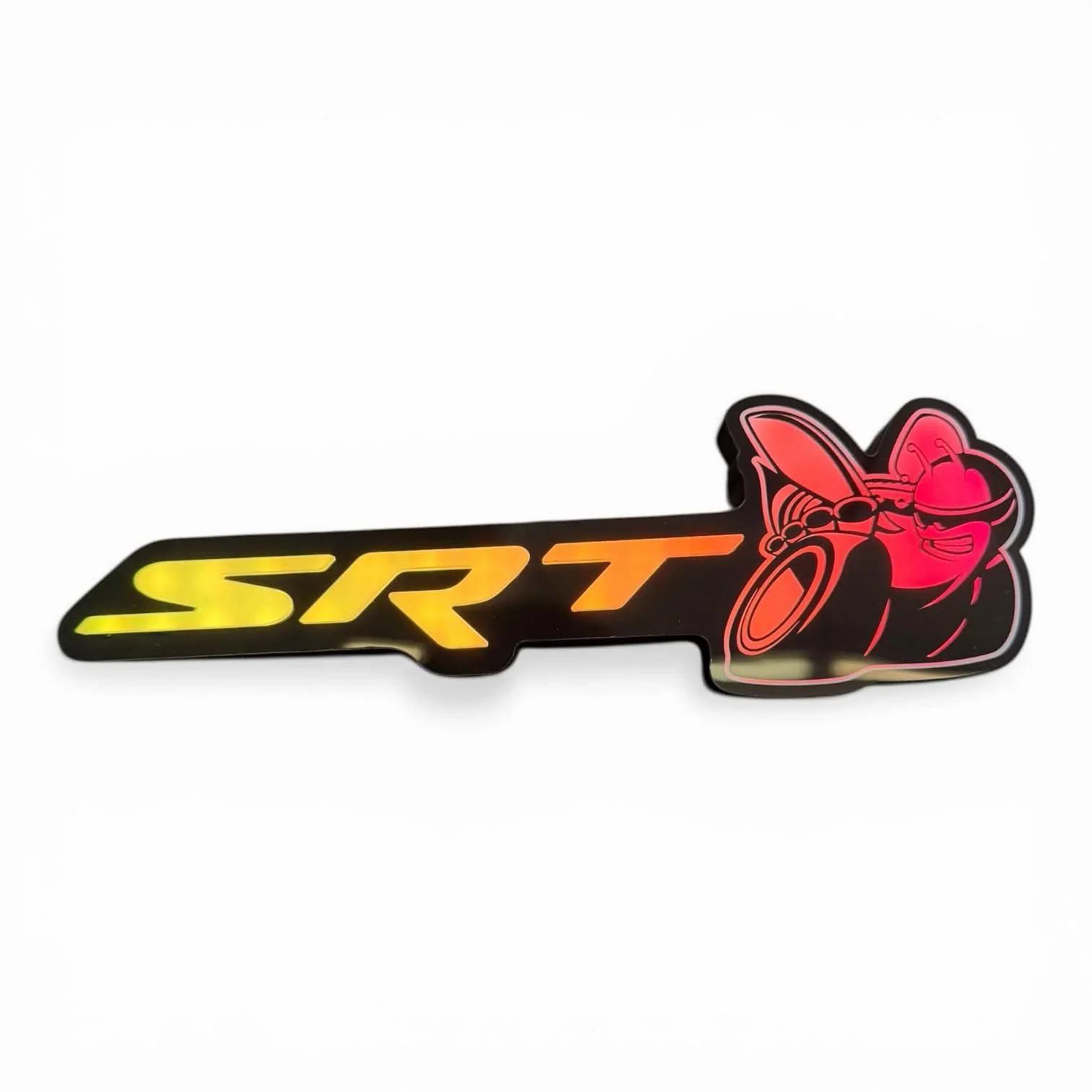
Upgrade your Dodge Charger, Challenger, or Durango with this RGB LED Hellcat Redeye Grille Emblem. Designed to give your front end a bold, aggressive look, this badge features fully customizable multi-color chasing LED effects that light up day or night.
Key Features:
• Multi-color + chasing RGB LEDs
• Plug-and-play grille installation
• Controlled via the RVP Supply App for full customization (iOS & Android)
What’s Included:
• LED Hellcat Redeye Grille Emblem
• 3 Fuse Taps (Micro 2, Mini, ATO/ATC)
• Controlled via the RVP Supply App (iOS & Android)
Installation Guide:
- Unscrew the rear bracket from the emblem
- Position the emblem on your grille
- Place the rear bracket behind the grille
- Screw on the rear bracket to secure the emblem
- Connect the wiring to the RVP Supply App (iOS & Android)
-
Power the controller by connecting to:
• Battery jump terminals OR
• Fuse box using the provided fuse tap (ensure two fuses are installed)
• Use a spare or powered fuse slot
For additional help, feel free to contact us!
Product Information
Product Information
Shipping & Returns
Shipping & Returns
Description
Upgrade your Dodge Charger, Challenger, or Durango with this RGB LED Hellcat Redeye Grille Emblem. Designed to give your front end a bold, aggressive look, this badge features fully customizable multi-color chasing LED effects that light up day or night.
Key Features:
• Multi-color + chasing RGB LEDs
• Plug-and-play grille installation
• Controlled via the RVP Supply App for full customization (iOS & Android)
What’s Included:
• LED Hellcat Redeye Grille Emblem
• 3 Fuse Taps (Micro 2, Mini, ATO/ATC)
• Controlled via the RVP Supply App (iOS & Android)
Installation Guide:
- Unscrew the rear bracket from the emblem
- Position the emblem on your grille
- Place the rear bracket behind the grille
- Screw on the rear bracket to secure the emblem
- Connect the wiring to the RVP Supply App (iOS & Android)
-
Power the controller by connecting to:
• Battery jump terminals OR
• Fuse box using the provided fuse tap (ensure two fuses are installed)
• Use a spare or powered fuse slot
For additional help, feel free to contact us!